Switching IPTV providers: the order that works
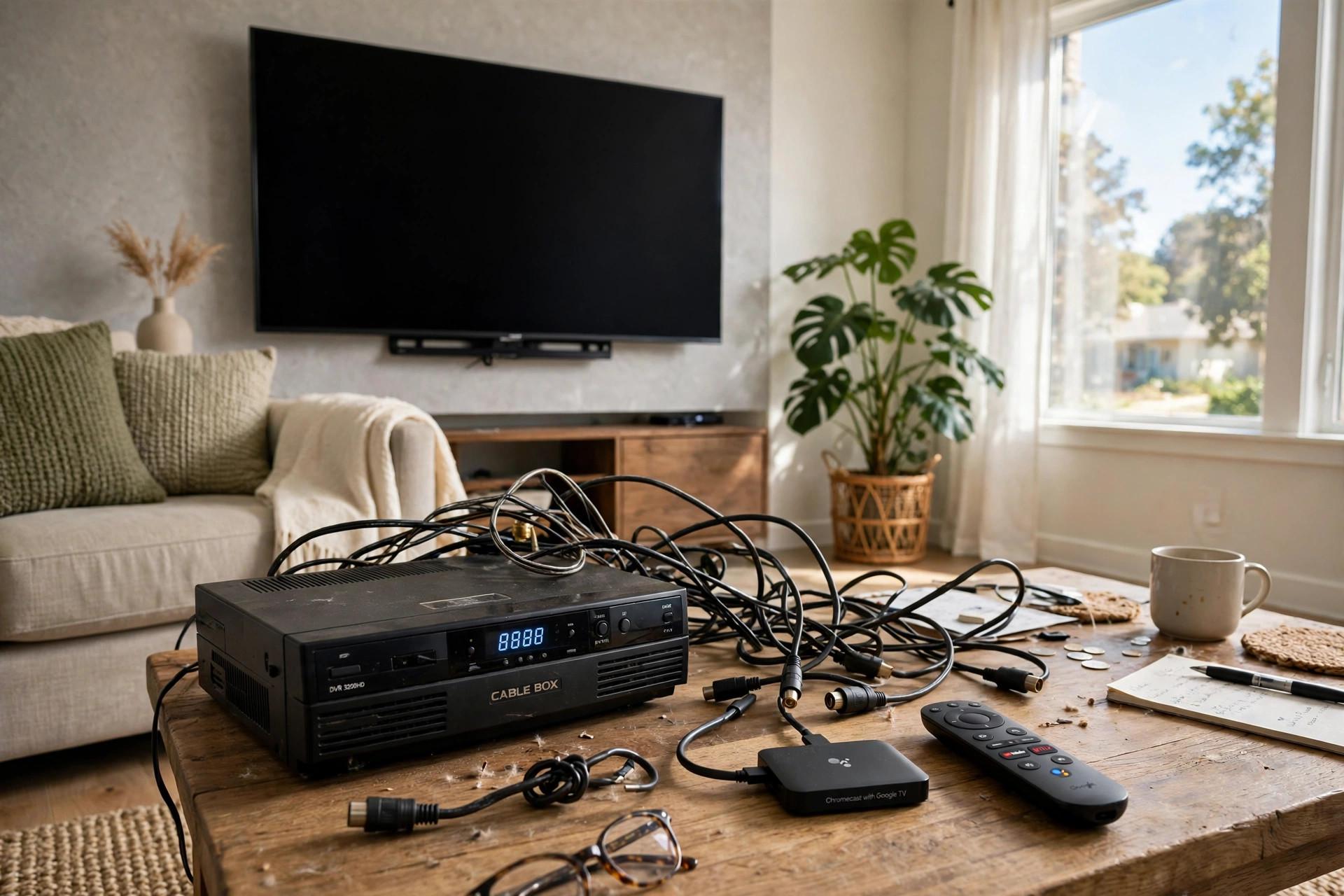
The order is the whole guide. Most people who switch badly do it backwards: they cancel the old provider on Monday, install the new one on Tuesday, discover on Sunday that it has no local FOX affiliate, and spend the game on a phone. The right order costs nothing and risks nothing. Step one: start the free 24-hour trial of the new provider. Step two: install it on your main TV and watch your normal week. Step three: check every channel your household cannot live without. Step four: run a second screen at the same time. Step five: only then cancel the old provider. A week of overlap between two services is free insurance against a missed game, and the trial makes the overlap cost nothing.
Start with the channel list, because it is the reason you are switching. Write down the twenty to thirty channels your household watches: local ABC, NBC, CBS and FOX, ESPN, ESPN2, NFL Network, TNT, TBS, HBO, Showtime, AMC, FX, CNN, Fox News or MSNBC, Discovery, HGTV, Food Network, Disney Channel and Nickelodeon. Then check them on the new provider during the trial — not on the sales page, on the TV. Best IPTV Provider USA Premium carries all of them, plus the regional sports networks and PPV for UFC and boxing. If your old provider lost a channel you love, confirm the new one has it before you cancel anything. The sales page is a promise; the trial is the proof.
Install the new provider on every device
Install the trial on every device your household uses, not just the main TV. Firestick and Fire TV take IBO Pro Player via Downloader (ask on WhatsApp for the current code). Android TV and Nvidia Shield take TiviMate. Samsung and LG Smart TVs take IBO Player from the app store. iPhone, iPad and Apple TV take IPTV Smarters Pro, and Windows and Mac take the same app or VLC. Roku needs screen mirroring from a phone. Each install takes under five minutes, and support installs it for you free over WhatsApp if a step stalls — the installation guide covers all 13 devices step by step. Do the installs during the trial week, while the old provider still works, so a stuck step costs you an evening of the old service instead of an evening of no service.
Set up favorites on the new provider before the old one goes away. Open the guide, find tonight's game, and favorite the twenty channels from your list. TiviMate's favorites on Android TV are the best in the business; IPTV Smarters Pro and IBO Player both have a simple favorites system. This takes ten minutes and saves a week of hunting through 57,000 channels for the five you watch. While you are there, check the EPG — the program guide — on the channels you watch most. A guide that shows tonight's game and tomorrow's lineup is a service that respects your time; a guide with blank slots is a service that bought a cheap playlist.
Test the week, not the evening
One good evening proves nothing. Test a full week, because viewing has a rhythm: the 6 p.m. news on NBC on Monday, the game on ESPN on Tuesday, a series on Wednesday, a movie on Friday, the NFL on Sunday. Run the trial through the week and write down what happened — channel open times, any freeze, any drop in resolution, any channel that would not open at all. Pay attention to the moments providers hide: channel changes, halftime, the last two minutes of a close game, and 8 p.m. on Sunday when the whole street is streaming. A provider that survives the week has earned the switch. One that freezes twice in a game has not, and you still have the old provider to fall back on.
Test the second screen during the week too. Start the game on the Firestick in the living room and a movie on the tablet in the kitchen at the same time, and see whether both hold. A household that watches two TVs needs a multi-device plan: annual Premium is $159.99 for two devices, $224.99 for three and $269.99 for four. If your old provider was a single-device plan and your household kept fighting over the TV, the switch is the moment to fix it — buying the right plan now costs less than buying a second subscription later.
| Day | What to test | Pass mark |
|---|---|---|
| Monday | 6 p.m. news on NBC, guide, favorites | Opens in under 3 seconds |
| Tuesday | Live game on ESPN at 8 p.m. | No freeze during a play |
| Wednesday | Series on demand, subtitles | Search finds it first try |
| Friday | 4K movie at 9 p.m. | Holds 4K all evening |
| Sunday | NFL on CBS/FOX/NBC, second screen | Both screens hold steady |
| Any day | Support on WhatsApp | Answer in minutes |
Cancel the old provider
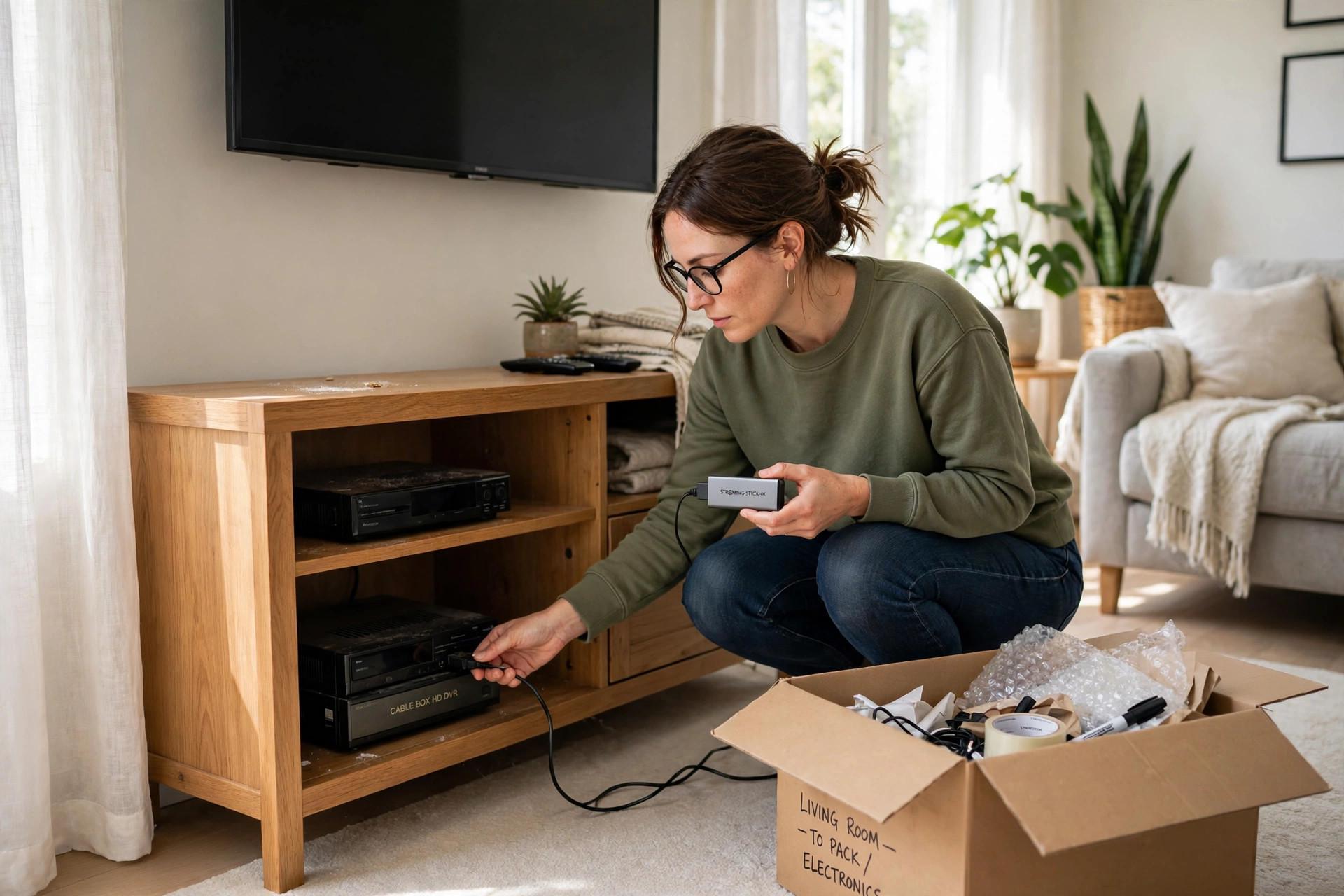
Cancel only when the week is clean. If the old provider is cable, call and ask for the return kit for the boxes — the bill stops when the equipment is back, so send it the same week. If it is satellite, the dish usually stays on the roof and the receivers go back in the kit. If it is another IPTV provider, stop the renewal and let the subscription run out; there is no equipment to return and no termination fee. If it is YouTube TV or Hulu + Live TV, cancel in the app in under a minute. In every case, keep the login details of the old service for a week after you cancel, in case a channel you forgot about turns up missing on the new one. A week of overlap is free; a missed game is not.
Mind the money as you switch. The new annual plan is the cheapest way to buy: Premium at $99.99 a year against $19.99 a month, Basic at $59.99 a year against $14.99 a month. But do not buy the year before the trial week is done — buy one month first if you have any doubt, and upgrade to the year once the week is clean. The refund policy is 7 days, or 30 days on annual plans, if support cannot fix a genuine fault, and it is written on the refund policy page. A provider that pressures you to pay for a year before the trial ends is afraid of the trial.
What if the new provider fails the test?
If Best IPTV Provider USA — or any provider — fails the trial week, you have lost nothing but an evening, because the trial is free and the old provider still works. That is the point of the order. Note what failed: a missing local affiliate, a freeze during the game, a guide with blank slots, support that took a day to answer. Then try the next provider on your short list with the same test. The blog compares providers the same way — cable, satellite, YouTube TV, Hulu + Live TV and budget IPTV — so the next candidate is one article away. Most households find the new provider passes the week on the first try, because the bar is a steady picture at 8 p.m. and a guide that works.
- Trial the new provider first — never cancel the old one on Monday.
- Install on every device during the trial week, while the old service still works.
- Check all 20–30 must-have channels on the TV, not on the sales page.
- Test a full week: news, games, series, a 4K movie, and a second screen.
- Buy one month first if you have any doubt; upgrade to the year once the week is clean.
- Cancel only when the week is clean — keep the old login for one more week.
The verdict
Switching IPTV providers is a week of overlap and one evening of testing. Trial the new service, install it on every device, watch your normal week, check the channels and the second screen, and cancel the old provider only when the week is clean. Best IPTV Provider USA makes the switch easy: a free 24-hour trial, free remote installation, 57,000+ channels and $99.99 a year for Premium. Start the trial tonight, watch the game, and switch when the picture has earned it.
Devices decide more comparisons than people admit. A provider can look great on a laptop and fall apart on a Firestick, which is where most American households actually watch. Best IPTV Provider USA works on Firestick and Fire TV, Samsung and LG Smart TVs, Android TV, Android and iOS phones and tablets, Apple TV, Windows, Mac, MAG boxes, Enigma2, Formuler and Nvidia Shield, with Roku covered by screen mirroring. The install takes under five minutes on most of them: IBO Pro Player on Firestick via Downloader (ask on WhatsApp for the current code), TiviMate on Android TV and Shield, IPTV Smarters Pro on phones and tablets. Test the trial on the device you will really use, because that is the only test that counts.
Before you decide
On-demand libraries are easy to oversell and hard to compare, because every provider quotes a big number. Premium here lists 185,000+ movies and 49,000+ series; Basic lists 80,000 titles. The number matters less than three questions: are the new releases there within weeks, are complete series runs available rather than scattered seasons, and does the search find what you type on the first try? Test it during the trial the way you would on a Friday night: search for a recent release, open a series you follow, check whether subtitles work. A library that looks huge on a sales page and thin in the search box is a library you will stop opening by the second month.
- Trial the new provider first — never cancel the old one on Monday.
- Install on every device during the trial week, while the old service still works.
- Check all 20–30 must-have channels on the TV, not on the sales page.
- Test a full week: news, games, series, a 4K movie, and a second screen.
- Compare prices on the plans page — Premium $99.99 a year.
- Setup help is free — the installation guide covers all 13 devices.