IPTV devices: Firestick first
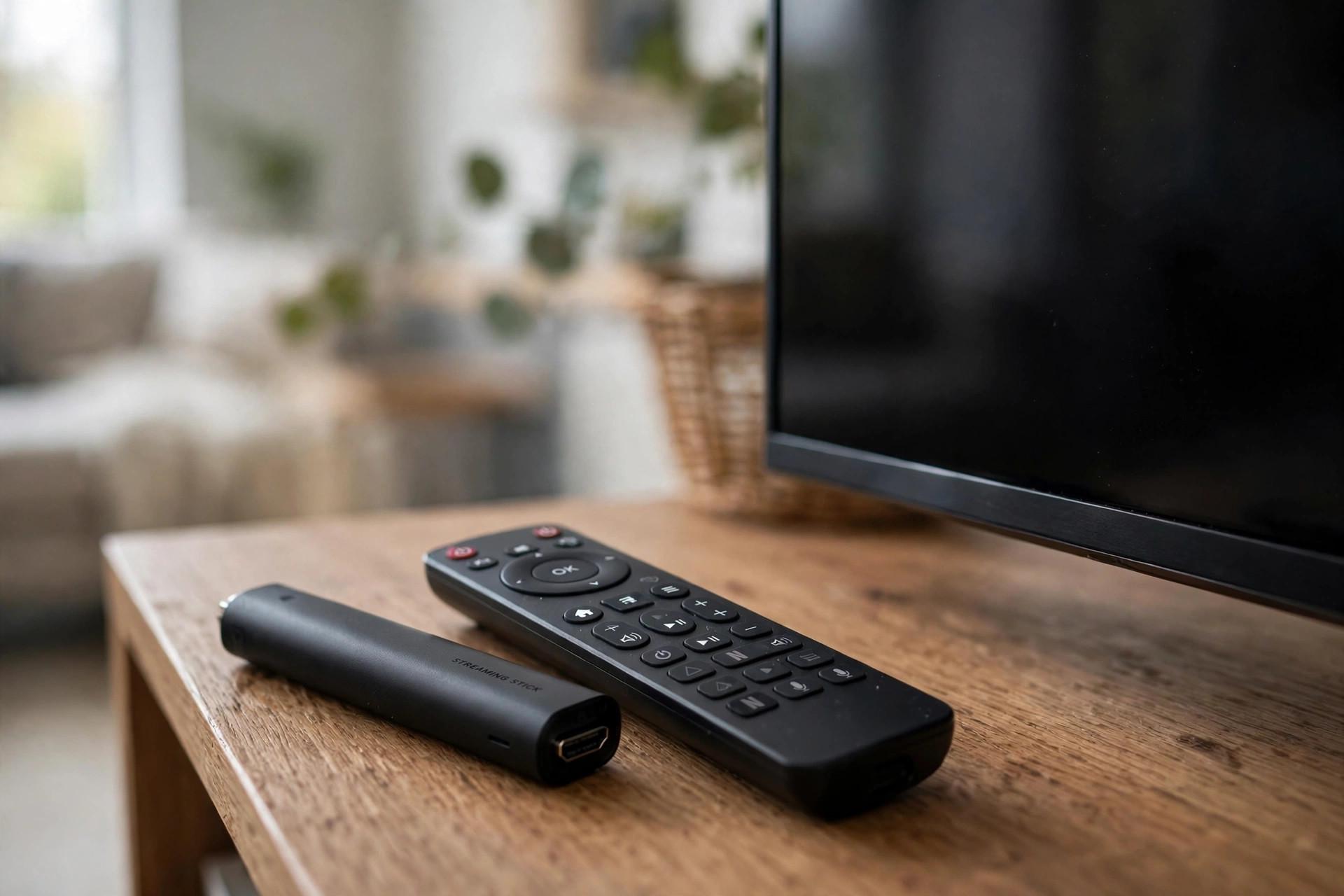
The Firestick is the device most American households use for IPTV, and it is the right place to start. A Firestick 4K Max costs around $60, plugs into any TV with an HDMI port, and runs IBO Pro Player — the recommended app here — installed via Downloader (ask on WhatsApp for the current code). The setup takes five minutes: Settings, My Fire TV, Developer Options, turn on Apps from Unknown Sources, install Downloader from the Amazon Appstore, download IBO Pro Player, open it, copy the MAC address and key, send them on WhatsApp, and restart the app. The Firestick 4K Max handles 4K cleanly and the remote is simple enough for anyone in the house. An old Firestick from 2019 will struggle with 4K and drop frames on fast motion — a $60 upgrade fixes it, and it is the cheapest upgrade in this whole comparison.
Fire TV built into a television — the Fire TV Omni or a Fire TV Edition set — works the same way, because it is the same system with a screen attached. The steps are identical, and the remote is the same. If your TV already has Fire TV built in, you need nothing new: install Downloader, install IBO Pro Player, send the MAC and key, and watch. The trial runs on the same device, so start the free 24-hour trial on the TV you will actually use, at 8 p.m. during a live game, and the picture will tell you whether the device is doing its job.
Smart TV: Samsung, LG and Android TV
Samsung and LG Smart TVs run IBO Player from the TV's own app store — no Firestick needed, no Downloader, no side-loading. Open the app store, install IBO Player, open it, note the MAC address and key, send them on WhatsApp, and restart the app. The picture is clean and the remote is the one that came with the TV. The weakness is the processor: a budget Smart TV from 2021 may drop frames on a fast-moving game, while a Firestick 4K Max plugged into the same TV plays it cleanly. If your Smart TV stutters on sports, the fix is a $60 Firestick, not a new TV — the TV's screen is fine, its processor is the limit.
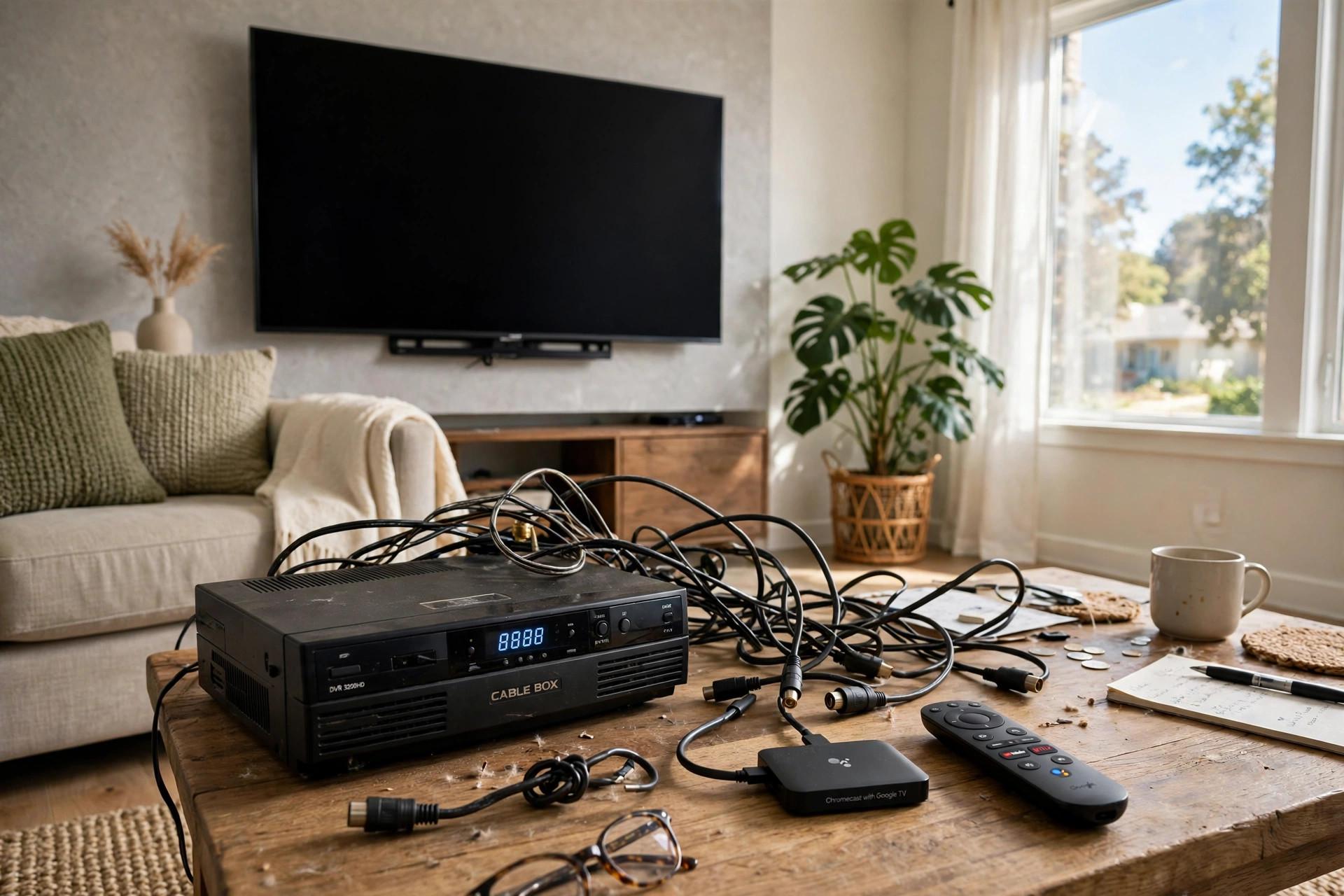
Android TV and Google TV — the Google TV Streamer, a Chromecast with Google TV, a Sony or TCL Android TV — run TiviMate, which has the best guide of any IPTV player. Install TiviMate from the Google Play Store, choose Add Playlist, then Xtream Codes login, enter the username, password and server URL sent on WhatsApp, and let the playlist and EPG load. TiviMate's guide scrolls fast, its favorites system works, and its recordings are the closest IPTV gets to a DVR. Nvidia Shield TV and Shield TV Pro run the same app and handle 4K and upscaling better than any other box — the Shield is the device to buy if you want the best picture IPTV can deliver, and it costs around $200.
Apple TV, phones and tablets
Apple TV 4K is the best IPTV device for an Apple household, and the most expensive one worth buying. It runs IPTV Smarters Pro from the App Store, logs in with Xtream Codes, and plays 4K cleanly on a processor that never stutters. The Siri Remote is the weakness — it is easy to lose and easy to swipe wrong — but the picture and the speed are the best in this article. iPhone and iPad run the same app, IPTV Smarters Pro or GSE Smart IPTV, and they are the devices for watching away from the TV: the game on the train, the news in the kitchen, the movie in bed. Android phones and tablets run IPTV Smarters Pro or TiviMate, and the setup is the same Xtream Codes login.
Windows and Mac run IPTV Smarters Pro or VLC, and they are the devices for a desk rather than a sofa — a second screen while you work, or the main screen in a small apartment. The setup is the same login, and the picture is as sharp as the monitor. MAG boxes, Enigma2 receivers and Formuler boxes are the specialist devices: MAG uses its built-in Stalker portal, Enigma2 takes an M3U bouquet, and Formuler runs MYTVOnline. All three are covered in the installation guide, and support sets them up free over WhatsApp if the steps stall.
Roku: the one device with a catch
Roku is the honest exception in this article, and it deserves a straight answer. Roku does not run IPTV player apps directly — there is no IBO Player, no TiviMate and no IPTV Smarters Pro in the Roku channel store. The way to watch IPTV on a Roku is screen mirroring: install IPTV Smarters Pro on your phone or tablet, log in, and cast or mirror the screen to the Roku. It works, and the picture is watchable, but it is not as good as a native app — the phone has to stay awake, the controls are on the phone, and the quality depends on your Wi-Fi. If your main TV is a Roku TV, the honest advice is a $60 Firestick 4K Max plugged into an HDMI port. It takes five minutes, and the Roku remote goes back in the drawer.
| Device | Player app | 4K | Setup time | Price (approx.) |
|---|---|---|---|---|
| Firestick 4K Max | IBO Pro Player | Yes | 5 minutes | $60 |
| Samsung / LG Smart TV | IBO Player | Yes | 5 minutes | Already owned |
| Android TV / Google TV | TiviMate | Yes | 5 minutes | Already owned |
| Nvidia Shield TV Pro | TiviMate | Yes, best | 5 minutes | $200 |
| Apple TV 4K | IPTV Smarters Pro | Yes, best | 5 minutes | $129+ |
| iPhone / iPad | IPTV Smarters Pro | Yes | 5 minutes | Already owned |
| Roku | Mirroring only | Via phone | 10 minutes | Already owned |
| Windows / Mac | IPTV Smarters Pro / VLC | Yes | 5 minutes | Already owned |
Which device should you buy?
If you own a Firestick 4K Max, an Apple TV 4K or a Shield, you already own the right device — install the trial and test it tonight. If you own a Smart TV, try its own app first and add a Firestick if it stutters on sports. If you own a Roku TV, buy the Firestick. If you own nothing, buy the Firestick 4K Max: $60, five minutes to set up, 4K, and a remote anyone can use. The trial is free for 24 hours with no card details needed, so the device test costs an evening — start it on the device you will actually use, at 8 p.m. during a live game, and the picture will tell you whether the device is doing its job. The plans page lists Basic and Premium once the device is settled.
- Firestick 4K Max ($60) is the best value: IBO Pro Player, 4K, five-minute setup.
- Samsung and LG Smart TVs run IBO Player from the app store — no Firestick needed.
- Android TV and Shield run TiviMate, the best guide of any IPTV player.
- Apple TV 4K is the best device for an Apple household, at $129+.
- Roku cannot run IPTV apps directly — use screen mirroring, or add a Firestick.
- Support installs any device free over WhatsApp — see the installation guide.
The verdict
IPTV devices are a solved problem for most American households: the Firestick you own, the Smart TV on the wall, or a $60 Firestick 4K Max if neither works well. Install the player for your device, start the free 24-hour trial, and test it at 8 p.m. during a live game. If the picture holds, the device is right. If it stutters, the device is the problem — and the fix is $60, not a new provider.
Every claim in this article can be checked in one evening with the free 24-hour trial. Start it on WhatsApp, install the player on the device your household uses most, and watch what you normally watch: the local news on NBC at 6 p.m., the game on ESPN, a movie after the kids are in bed. Pay attention to the moments providers hide — channel changes, halftime, the last two minutes of a close game. A provider that survives those moments is worth $99.99 a year; one that does not is not worth $19.99 a month. The installation guide walks through Firestick, Smart TV, Android, iOS and Apple TV in under five minutes each.
Before you decide
Multi-device plans are where households save the most money and make the most mistakes. A single-device plan is fine for one person with one TV, but a family of four with a living-room TV, a bedroom TV and a tablet needs more. Annual Premium for two devices is $159.99, three devices $224.99 and four devices $269.99 — each extra screen costs far less than a second subscription. The trap is buying the single-device plan and discovering on Sunday that the second TV shows an error when the first one is on. Test it during the trial: start the game on the Firestick in the living room and a movie on the tablet in the kitchen at the same time. If both hold, the multi-device plan is doing its job.
- Firestick 4K Max ($60) is the best value: IBO Pro Player, 4K, five-minute setup.
- Samsung and LG Smart TVs run IBO Player from the app store — no Firestick needed.
- Android TV and Shield run TiviMate, the best guide of any IPTV player.
- Roku cannot run IPTV apps directly — use mirroring, or add a Firestick.
- Compare the plans once the device is settled — Premium $99.99 a year.
- Setup help is free on WhatsApp — the installation guide covers all 13 devices.