IPTV 4K quality: what real 4K means
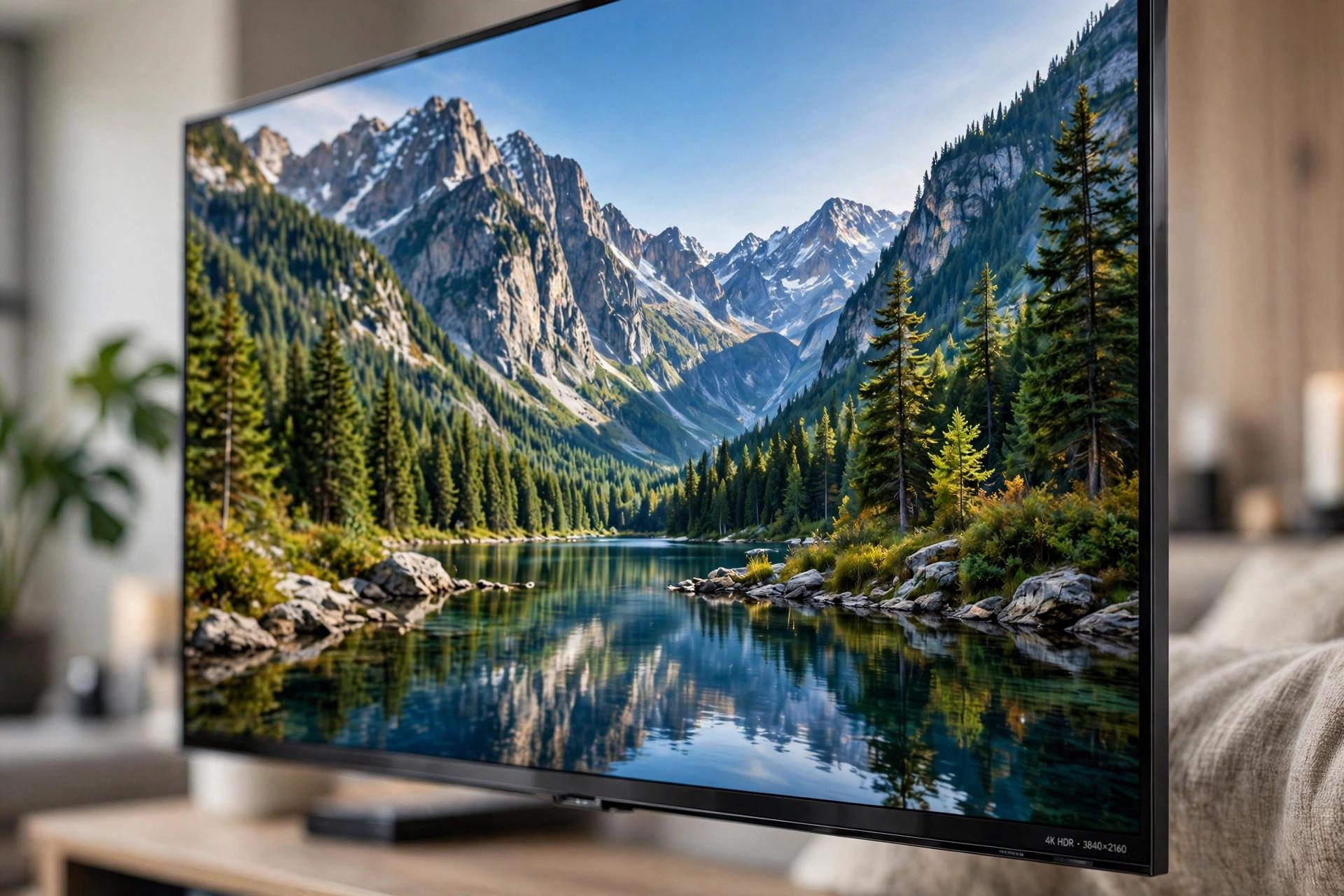
The first thing to know is that a channel that broadcasts in HD will not become 4K because the sales page says 4K. Real 4K means the channel, the provider and your TV all deliver 3,840 by 2,160 pixels — four times the detail of HD. Premium carries 4K where the channel broadcasts it, and 8K where it exists, alongside HD and Full HD for the channels that broadcast in those resolutions. A provider that claims every one of its 57,000 channels is in 4K is lying, because most channels in the world broadcast in HD. The honest claim is the one this site makes: 4K where the channel broadcasts in 4K, and the picture to prove it on a live game.
The test for real 4K is a live game at 8 p.m., and it takes ten minutes. Open ESPN for a basketball game or FOX for an NFL game, and look at the grass, the court, the jerseys, the ball. Real 4K shows the texture of the grass and the stitching on a jersey; a soft upscale shows a smooth image with the detail smeared away. Then look at a dark scene in a 4K movie at 9 p.m. — real 4K holds the shadows, a weak stream turns them into blocks. Run this test during the free 24-hour trial, on the TV you actually use, because a laptop next to the router proves nothing about the living room.
Your internet: the link providers cannot fix
Your internet connection is the link in the chain that the provider cannot fix for you. 4K needs 25 Mbps of steady bandwidth, and that means steady — not a speed test at noon, but 25 Mbps at 8 p.m. when the whole street is streaming. A home with 100 Mbps broadband, standard in most American homes now, holds 4K easily. A home on 15 Mbps rural DSL will see the picture drop to HD during a game, and no provider can stream 4K through that connection. Test your speed at 8 p.m., not at noon, and test it on the TV's connection — a wired Ethernet cable to the TV beats Wi-Fi through two walls every time, and it is the single cheapest upgrade in this whole comparison.
Wi-Fi is the quiet killer of 4K. A TV two rooms from the router, on a crowded 2.4 GHz network, with a microwave running in the kitchen, will drop frames that the provider never caused. Move the router closer, switch the TV to the 5 GHz band, or run an Ethernet cable — a $15 cable that takes ten minutes to run along a baseboard. Then run the trial again. Most households that blame the provider for a soft picture are watching through weak Wi-Fi, and the fix is in their own living room. The installation guide covers the setup, and support on WhatsApp will walk you through the network check for free.
4K on Firestick, Smart TV and Apple TV
The device matters as much as the connection. A Firestick 4K Max and an Apple TV 4K both decode 4K cleanly; an old Firestick from 2019 will struggle, and a budget Smart TV may claim 4K while its processor drops frames on fast motion. Check the device before you judge the provider: run the trial on the newest device in the house first, then on the oldest, and compare. TiviMate on Android TV and Nvidia Shield handles 4K well, IPTV Smarters Pro on phones and tablets is solid, and IBO Player on Samsung and LG Smart TVs is simple and fast. If the picture is sharp on the Shield and soft on the old Firestick, the Firestick is the problem — and a $50 upgrade fixes it.
| What you need | Minimum | Good | Best |
|---|---|---|---|
| Internet speed | 25 Mbps steady | 100 Mbps | 300 Mbps+ (wired) |
| Connection | Wi-Fi 5 GHz | Wi-Fi 5 GHz, near router | Ethernet cable |
| Device | Firestick 4K | Firestick 4K Max | Apple TV 4K / Shield |
| TV | 4K TV | 4K TV, HDR | 4K TV, HDR, 120 Hz |
| Provider tier | Premium | Premium | Premium |
4K vs HD: when it matters
Not everything needs 4K. The 6 p.m. news on NBC looks fine in HD, and a sitcom from the 1990s will never be 4K no matter what the sales page says. 4K matters for three things: live sports, nature documentaries and new movies. A football game in 4K shows the grass, the ball and the numbers on the jerseys; a nature documentary in 4K shows the feather and the fur; a new movie in 4K holds the dark scenes. For everything else, HD is enough — and Basic at $14.99 a month, in HD and Full HD, is the honest choice for a household that watches the news and a sitcom and never watches sports. Premium at $19.99 a month is for the household that watches the game and the movie, and wants both in 4K.
8K is the number to ignore for now. Premium lists 8K where it exists, and it exists almost nowhere — a handful of channels and demo reels. No American household needs 8K in 2026, and no provider that sells 8K as a reason to pay more is selling anything real. The same goes for claims of 120 frames per second on channels that broadcast at 60. Judge the provider on 4K sports and 4K movies, the two things that exist, and ignore the numbers that do not.
How to test 4K before you pay
The test is one evening and the free 24-hour trial. Start the trial in the afternoon, install the player on your main TV, and watch the game at 8 p.m. in 4K. Look at the grass and the jerseys. Then watch a 4K movie at 9 p.m. and look at the dark scenes. Then check the same channel on a second device, to make sure the picture holds on two screens. Write down what you saw — sharp or soft, steady or blocky — and decide on the evidence. Best IPTV Provider USA Premium costs $19.99 a month or $99.99 a year, and the trial costs nothing. The plans page lists Basic and Premium side by side, and the blog compares providers the same way.
- Real 4K needs the channel, the provider, your internet and your TV — all four links.
- 25 Mbps steady is the floor for 4K; test your speed at 8 p.m., not at noon.
- A wired Ethernet cable to the TV is the cheapest 4K upgrade there is.
- Test with a live game and a dark movie scene — fast motion and shadows show the truth.
- 8K barely exists in 2026 — ignore any provider that sells it as a reason to pay more.
- Basic ($59.99 a year) is HD/FHD; Premium ($99.99 a year) is HD/FHD/4K/8K.
The verdict
IPTV 4K quality is real when the chain holds: a 4K broadcast, a provider with server capacity, 25 Mbps of steady internet and a TV that can show it. Best IPTV Provider USA Premium holds that chain for most American households — 4K sports, 4K movies, and a free 24-hour trial to prove it on your own TV. Run the test on a Sunday, look at the grass and the shadows, and let the picture decide.
Do not buy on promises. Take the free 24-hour trial and run it like a test drive. Install on your Firestick or Smart TV, open ESPN at game time, check the local ABC, NBC, CBS and FOX affiliates, scroll the guide on a Friday night and try a 4K film after 9 p.m. when the whole street is streaming. Two things matter: does the channel open in under three seconds, and does it stay open? If both answers are yes, the plans page shows the price — Premium from $19.99 a month, $99.99 for the year — and you can subscribe from the same WhatsApp chat. If either answer is no, you lost nothing but an evening.
Before you decide
The program guide is the difference between a service that feels like television and one that feels like a playlist. A good EPG shows what is on now, what is on next, and what is on tonight across ABC, NBC, CBS, FOX, ESPN and TNT, with favorites so your twenty channels sit at the top. TiviMate on Android TV and Nvidia Shield has the best guide of any IPTV player, with a grid that scrolls fast and a favorites system that actually works. IPTV Smarters Pro on phones and tablets is solid, and IBO Player on Samsung and LG Smart TVs keeps it simple. Open the guide during the trial, find tonight's game, and set three favorites. If that takes more than a minute, the app is fighting you — and you will fight it every night for a year.
- Real 4K needs the channel, the provider, your internet and your TV — all four links.
- 25 Mbps steady is the floor for 4K; test your speed at 8 p.m., not at noon.
- A wired Ethernet cable to the TV is the cheapest 4K upgrade there is.
- Test with a live game and a dark movie scene — motion and shadows show the truth.
- Compare the plans — Basic is HD/FHD, Premium is HD/FHD/4K/8K.
- 8K barely exists in 2026 — ignore any provider that sells it as a reason to pay more.