IPTV provider reviews USA: start with your channels
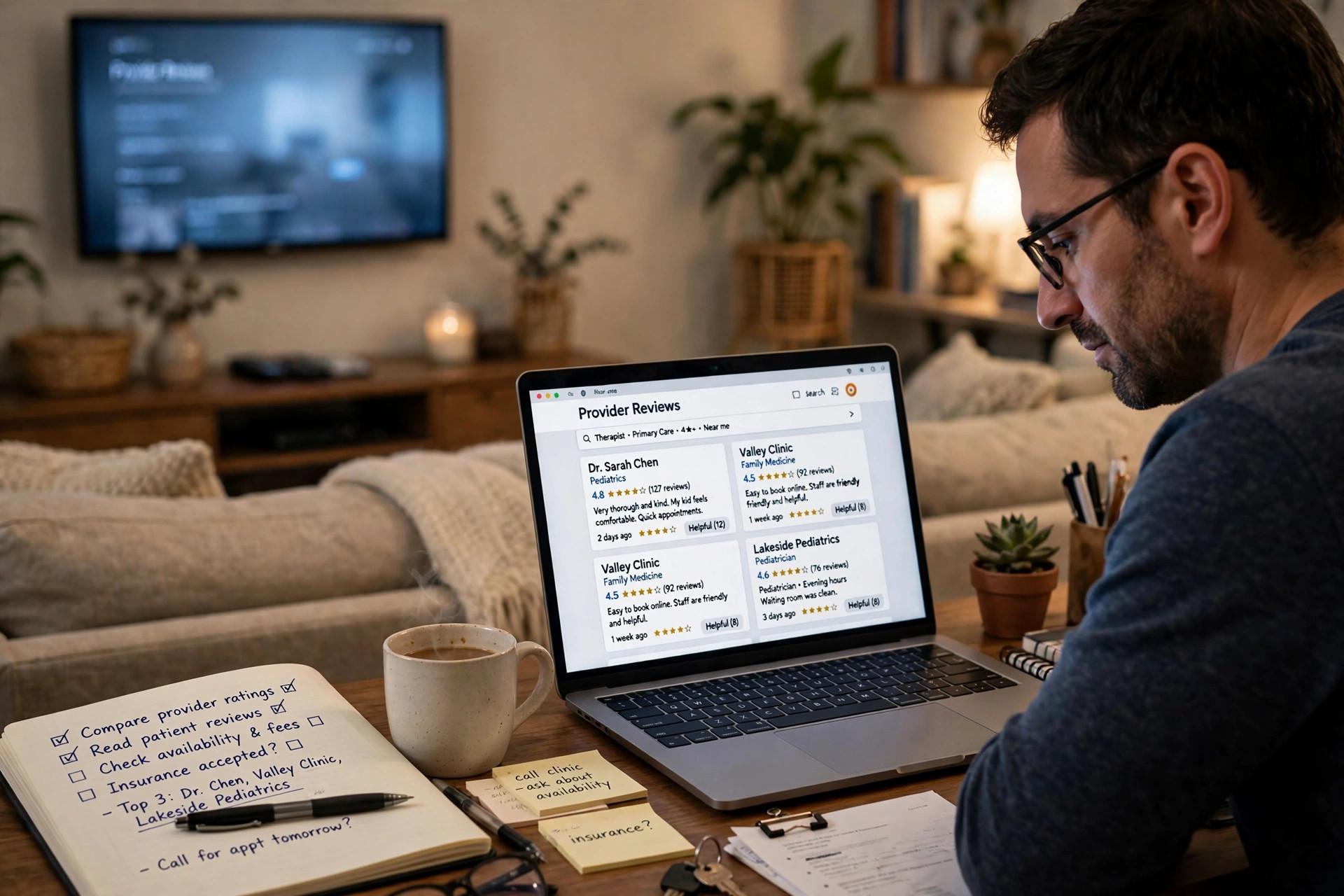
Step one has nothing to do with providers. Sit down with the people who watch TV in your house and write the list. The local networks come first — ABC, NBC, CBS, FOX — because the news, the morning shows and the Sunday games all live there. Then the sports channels: ESPN, ESPN2, NFL Network, TNT, NBA TV, MLB Network. Then the cable channels the household actually watches: HBO, Showtime, AMC, FX, TBS, USA Network. Then news: CNN, Fox News or MSNBC. Then the kids: Disney Channel and Nickelodeon. Then the rest: Discovery, HGTV, Food Network. Most households land on twenty to thirty channels. That list is your test — any provider that cannot name the local affiliates and the sports channels on it is out, whatever the price.
Step two is the channel list on the provider's site, read with suspicion. A provider that lists 57,000 channels and cannot tell you whether your local NBC affiliate is included has not built a service for the USA. Ask on WhatsApp before you pay: which local channels, which regional sports networks, and is PPV included or extra? Best IPTV Provider USA answers those questions on WhatsApp in minutes, and the Premium lineup includes the local networks, ESPN, TNT, HBO, Showtime, the regional sports networks and PPV for UFC and boxing. A provider that answers slowly before you pay will answer slower after you pay, so treat the first reply as part of the test.
Step 3: test the picture at prime time
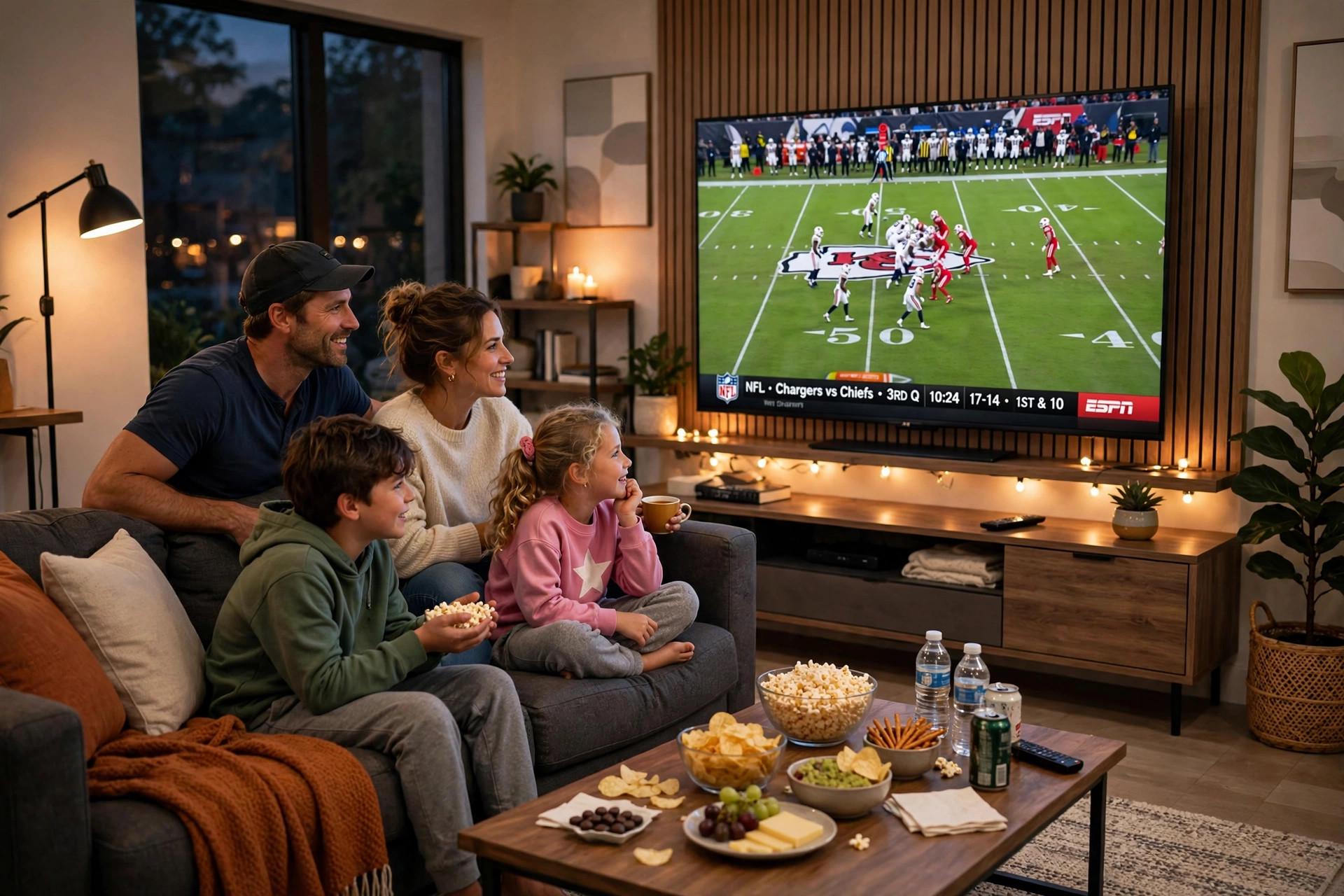
Step three is the free trial, and it has to happen at the worst possible time: 8 p.m. on a Sunday, on the TV you actually use, during a live game. A trial at 2 p.m. on a Tuesday proves nothing — every provider looks good when nobody is watching. Open CBS for the late NFL game, flip to NBC for Sunday Night Football, open a 4K movie at 9 p.m. and leave a channel running while you make dinner. Three numbers matter: how long a channel takes to open (under three seconds is good), whether it freezes during a play, and whether the picture holds its resolution or drops to a soft, blocky image. Best IPTV Provider USA gives you 24 hours free with no card details needed, which is exactly enough time to run this test twice.
Step four is the second screen. Run the trial on two devices at once — the Firestick in the living room and a tablet in the kitchen — and see whether both hold. A provider that sells a single-device plan and quietly throttles the second stream will show its weakness here. If your household has three people watching different things at the same time, you need a multi-device plan: annual Premium is $159.99 for two devices, $224.99 for three and $269.99 for four. Buying a single-device plan for a three-TV house is the most common mistake in this market, and it costs a second subscription to fix.
Step 5: check the price against cable
Step five is the price, and it comes fifth for a reason. A cheap provider that freezes during the game is expensive; a fairly priced provider that holds all evening is cheap. With that said, the numbers frame the decision. Premium here is $19.99 for one month, $49.99 for three months, $79.99 for six months and $99.99 for twelve months. Basic is $14.99, $24.99, $39.99 and $59.99. Cable costs $80 to $120 a month with fees; YouTube TV is $82.99 a month. A provider charging $5 a month for 20,000 channels is not a bargain — it is a service that will vanish or freeze, because the server costs alone are higher than the price. A provider charging $30 a month for the same list as everyone else is selling the same playlist with a nicer website.
| Step | What to check | Pass mark | Fail mark |
|---|---|---|---|
| 1. Your channel list | Local ABC, NBC, CBS, FOX + ESPN | All 20–30 channels present | Local affiliates missing |
| 2. Ask support | Reply on WhatsApp | Answer in minutes, in English | No reply for hours |
| 3. Prime-time trial | 8 p.m. Sunday, live game | Opens in under 3 seconds | Freezes during a play |
| 4. Second screen | Two devices at once | Both hold steady | Second stream throttled |
| 5. Price | Annual cost vs cable | $99.99 a year Premium | $5 a month 'too good' |
| 6. Devices | Your TV and phone | Firestick, Smart TV, iOS | Only works on a laptop |
| 7. Refund | Written policy | 7 days, 30 days annual | No refund policy at all |
Step 6: devices and the guide
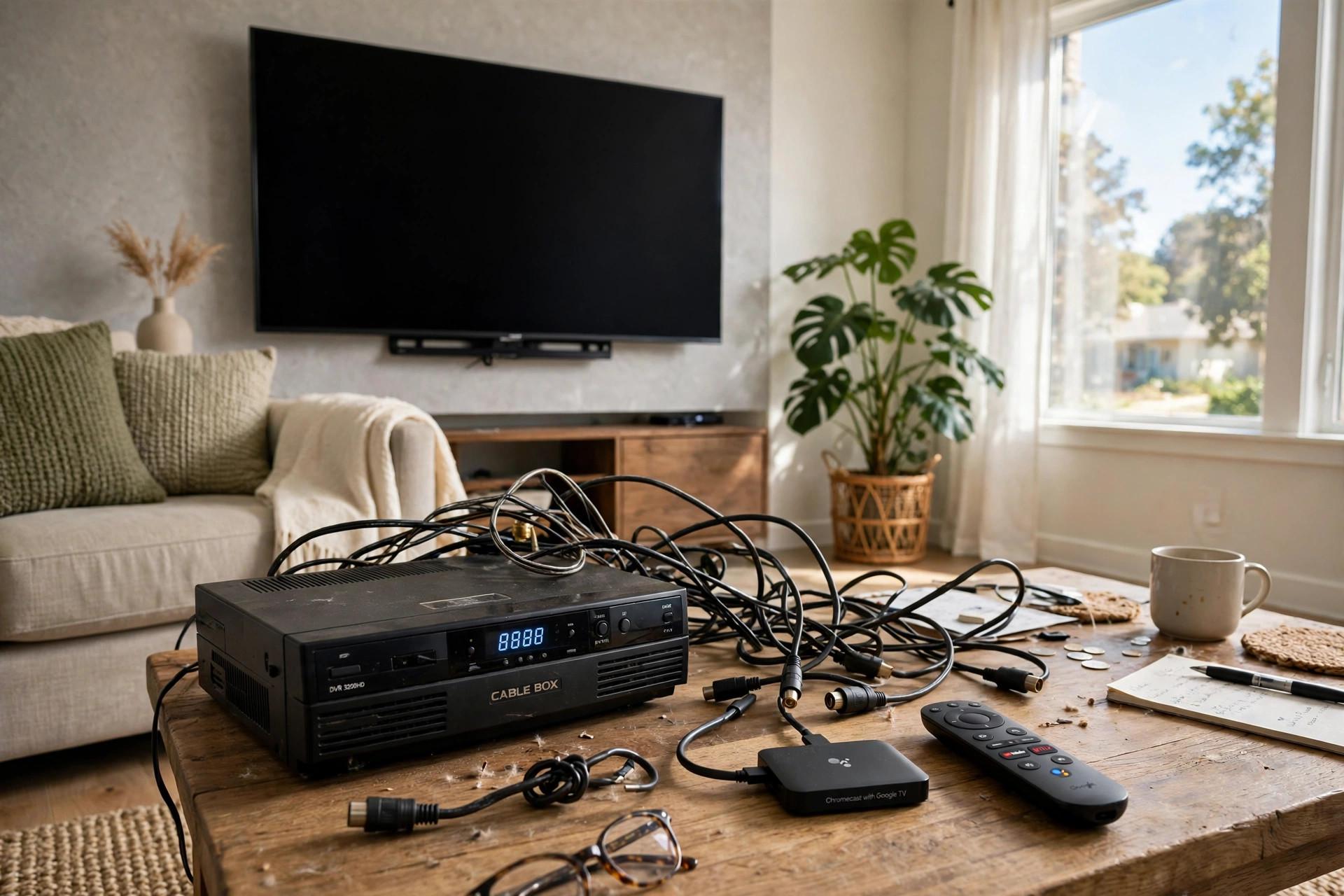
Step six is the device in your living room. A provider that works beautifully on a laptop and badly on a Firestick is useless to most American households, because the Firestick is where the watching happens. Check that your device is supported before you pay: Firestick and Fire TV, Samsung and LG Smart TVs, Android TV, Android and iOS phones and tablets, Apple TV, Windows, Mac, MAG, Enigma2, Formuler and Nvidia Shield all work here, and Roku works through screen mirroring. Then check the guide — the EPG — on the player app you will use. TiviMate on Android TV has the best guide in the business, IPTV Smarters Pro is solid on phones, and IBO Player on Smart TV is simple and fast. Open the guide, find tonight's game, set a favorite. If that takes more than a minute, the app is fighting you.
Step seven is the refund policy, read before you pay, not after something breaks. A provider with a written policy — 7 days here, 30 days on annual plans, if support cannot fix a genuine fault — is a provider that expects to be judged. A provider with no policy, or a policy that blames your internet for every fault, is telling you how the argument will go. Also check how you pay: card or the methods confirmed on WhatsApp, in USD, with no demand for cryptocurrency or gift cards. A provider that only takes crypto is not a provider — it is a mailbox that will stop answering.
Red flags to walk away from
A few signs end the comparison on the spot. A provider that asks for card details before the free trial is selling, not proving. A provider with no WhatsApp or support channel at all will not answer when the game freezes. A provider whose channel list is a copied paragraph with no local affiliates has no USA service. A provider that promises every channel in the world for $5 a month is promising something it cannot deliver. And a provider that pressures you to pay for a year before a trial is afraid of the trial. Best IPTV Provider USA does the opposite on each point: free trial with no card, WhatsApp support 24/7, named local channels, $99.99 a year for Premium, and a refund policy in writing on the refund policy page.
- Write your household's 20–30 must-have channels before you look at any provider.
- Ask support which local affiliates and regional sports networks are included — in writing, on WhatsApp.
- Run the free trial at 8 p.m. on a Sunday, during a live game, on your main TV.
- Test two devices at once if your household watches two TVs.
- Compare the annual price with cable ($960–$1,440 a year) and YouTube TV ($995.88 a year).
- Read the refund policy before you pay — 7 days here, 30 days on annual plans.
The verdict
Choosing an IPTV provider is seven small checks, and the whole process takes one evening. Write the channel list, ask support the hard questions, run the trial at prime time on your real TV, test a second screen, check the price against cable, confirm your device, and read the refund policy. Any provider that passes all seven is worth $99.99 a year. Best IPTV Provider USA passes them for most American households — 57,000+ channels, every major sport, 4K where the channel broadcasts it, and a free trial that costs nothing to run. Start the trial tonight and let the picture decide.
Run the numbers before you fall for a headline price. One month of Premium is $19.99, three months $49.99, six months $79.99 and twelve months $99.99. Basic is $14.99 a month or $59.99 a year. Annual multi-device pricing is $159.99 for two screens, $224.99 for three and $269.99 for four. Cable in the United States averages well over $100 a month with fees, and even a single streaming bundle — YouTube TV at $82.99 plus Netflix at $17.99 — passes $100 a month before you add a sports package. The 24-hour free trial costs nothing, so the honest way to compare is to test the picture at prime time first and only then look at the price tag.
Before you decide
The free trial is the whole comparison in miniature, and it is worth running properly. Twenty-four hours is enough for two prime-time evenings if you start it in the afternoon: the 6 p.m. news on NBC, the game on ESPN at 8 p.m., a 4K movie at 9 p.m., and the morning shows the next day. Write down what you watched and what happened — channel open times, any freeze, any drop in resolution. If the list is clean, subscribe to the annual plan and save the most: $99.99 for Premium against $19.99 a month. If the list has two freezes in one game, walk away and try the next provider on your short list. The trial costs nothing, takes one evening, and tells you more than a hundred reviews.
- Your 20–30 must-have channels are the test — write them down before you shop.
- A provider that asks for card details before the trial is selling, not proving.
- Run the trial at 8 p.m. on a Sunday, during a live game, on your main TV.
- Test two devices at once — multi-device annual plans are on the plans page.
- Read the refund policy before you pay, not after something breaks.
- Setup help is free on WhatsApp — the installation guide covers every device.